Exports the survey, including the questions in XML format. Stylesheets (CSS) and images will not be included in the export, since these are simply links to files. Choose your respective language encoding (see language encoding), select "Include reports" and "Include response data" if required and click “export”.
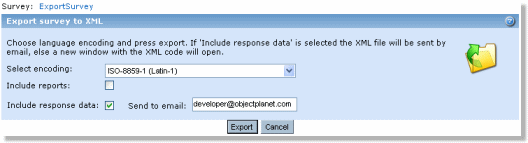
If there are no customized reports in your survey, there is no point in including the standard reports, because they will be created if you import the survey. The import feature will always create the standard reports if the XML file does not contain any reports. By including response data you can easily import the survey with all the responses in another Opinio installation.