License Manager spacer Site Map Contact


Deployment


In general you need to install Network Probe at a spot in your network where it can see all the traffic you want it to collect and analyze.


Promiscuous mode network interface


Network Probe must be installed on at least one computer on any network segment that you want to monitor. This computer must have a network card with promiscuous-mode capability, and be able to see all the traffic crossing that network segment.


Monitored network port


If you want to monitor a switched network, Network Probe must be installed on a computer connected to a monitor-port on the switch to be able to see all the network traffic crossing the network.


Remote Network Monitoring


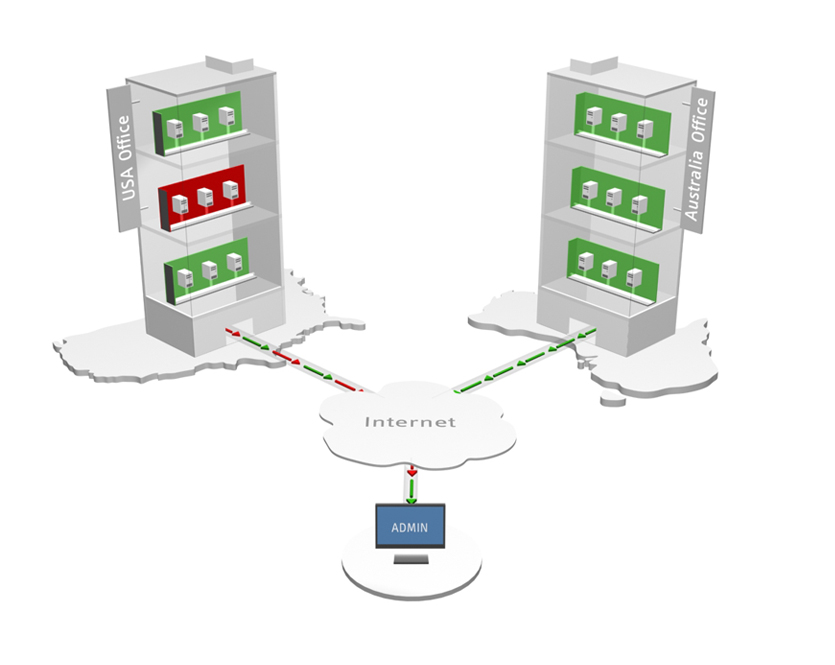
You can install Network Probe on any computer connected to the network you want to monitor, and log in to that probe using a standard java-enabled web browser from anywhere on the network.

http://thecomputername:7030

This enables you to monitor many network segments remotely, from a single site, or from any other place having access to the probe. There is no need to install any client-side software, just use a web browser to log in and inspect the network traffic statistics.
 
Download

  Network Probe Home
  Network Probe Screenshots

  Download Network Probe 2.7
[Windows XP/2K/2003/Vista]
  Download Network Probe 2.7
[Linux,Mac,FreeBSD,Solaris]

  Pricing and Purchasing
  License Agreement
  Customer list

  Deployment
  System Requirements
  Changelog

  HTML User Guide
  PDF User Guide
  Support and User Forum


Network Probe 2.7
Oslo, Norway, March 6th, 2008:

Network Probe 2.7 released with program alarm actions, search, new look and feel and a status bar.
Network Probe 2.6.1
Oslo, Norway, Dec 3, 2007:

Network Probe 2.6.1 was released with some bug fixes.
Network Probe 2.6
Oslo, Norway, Nov 22th, 2007:

Network Probe 2.6 was released with support for e-mail alarm actions.
Network Probe 2.5
Oslo, Norway, Sep 10th, 2007:

Network Probe 2.5 was released with added support for alarms and user-selectable profiles.


Key Features
  • Network summary
  • Network throughput
  • TopN talkers and listeners
  • TopN protocols and hosts
  • TopN conversations
  • Traffic alarms
  • Alarm email notifications
  • Protocol statistics
  • Host statistics
  • Conversation statistics
  • Protocols per host
  • Protocols per conversation
  • Host traffic per NIC
  • Conversations per NIC
  • User-selected protocols
  • User-selected hosts
  • User-selected conversations
  • Save profiles and sessions
  • Historical traffic logs

  • © 2008 ObjectPlanet, Inc. Øvre Slottsgate 5, 0157 Oslo, Norway Tel (+47) 2233 3360 | Fax (+47) 2233 3361