Network Probe Deployment Guide
In general you need to install Network Probe at a spot in your network where it can see all the traffic you want it to collect and analyze.
Promiscuous mode network interface
Network Probe must be installed on at least one computer on any network segment that you want to monitor. This computer must have a network card with promiscuous-mode capability, and be able to see all the traffic crossing that network segment.
Monitored network port
If you want to monitor a switched network, Network Probe must be installed on a computer connected to a monitor-port on the switch to be able to see all the network traffic crossing the network.
Remote Network Monitoring
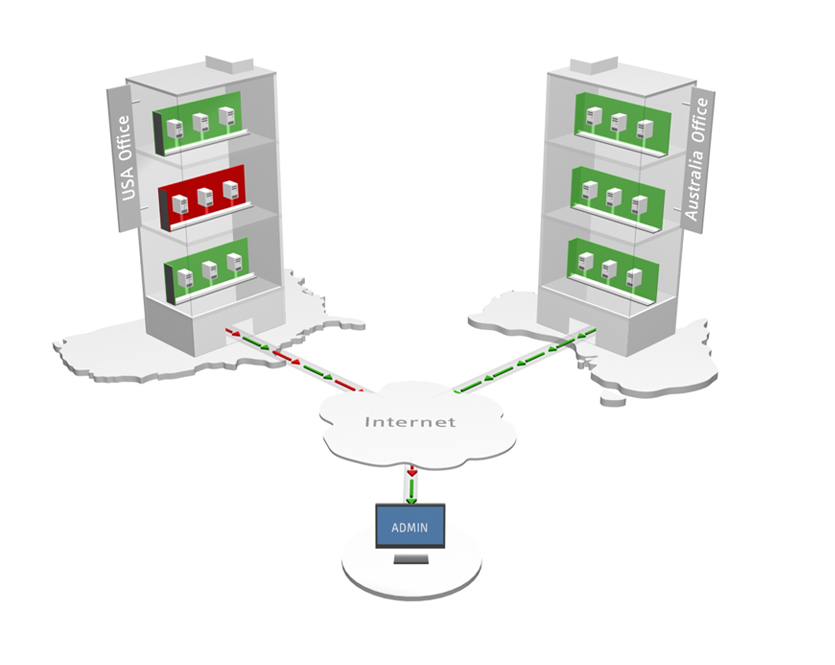
You can install Network Probe on any computer connected to the network you want to monitor, and log in to that probe using a standard java-enabled web browser from anywhere on the network.
| Simply log in using your web browser |
|---|
| http://thecomputername:7030 |
This enables you to monitor many network segments remotely, from a single site, or from any other place having access to the probe. There is no need to install any client-side software, just use a web browser to log in and inspect the network traffic statistics.